
Short answer: Apple Watch only records VO2 max (Apple calls it Cardio Fitness) from Outdoor Walk, Outdoor Run or Hiking workouts started in the Workout app, on relatively flat ground, with good GPS and heart rate signal, and enough effort to lift your heart rate well above resting. Treadmill runs, gym sessions, cycling and HIIT don’t count. If your training is mostly indoors, intervals or on the bike, your VO2 max will stop updating. Correct Health Details (age, sex, height, weight, heart-rate medications) and Wrist Detection also matter.
That’s the fix for most people. The rest of this guide covers the full checklist, where to find the number, why it drops, and how much to trust it.
Every Apple claim below comes from Apple’s own support pages, linked as we go.
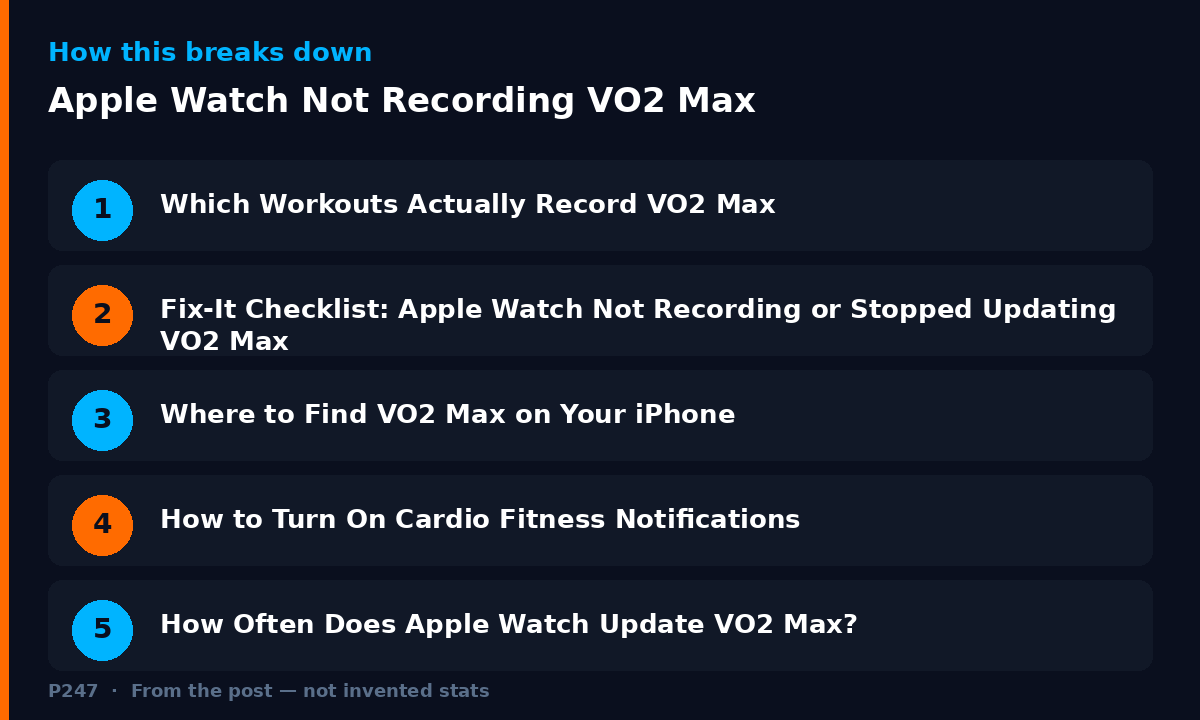
Which Workouts Actually Record VO2 Max
According to Apple’s Track your cardio fitness levels page, Apple Watch Series 3 or later estimates VO2 max using the heart and motion sensors during:
- Outdoor Walk
- Outdoor Run
- Hiking
All three started in the Workout app. Apple is explicit that indoor workouts, including ones using gym equipment, don’t count. Wheelchair push workouts are not supported.
Apple’s technical paper, Using Apple Watch to Estimate Cardio Fitness with VO2 max, adds the detail most people never see. A value may be generated after walking, running or hiking outdoors on relatively flat ground (a grade of less than 5 percent incline or decline), with adequate GPS and heart rate signal, and exertion of roughly a 30 percent increase across the range from your resting heart rate to your max. Your first qualifying workout won’t produce an estimate, and you need to have worn the watch for a day first.
Now think about a typical HYROX or triathlon week.
Monday is a gym session. Tuesday is intervals on the treadmill. Wednesday is a bike. Thursday is a hilly trail run. Saturday is a long ride.
Not one of those reliably meets Apple’s criteria. You trained hard all week. Your watch had nothing to work with.
Fix-It Checklist: Apple Watch Not Recording or Stopped Updating VO2 Max
Work through this in order.
1. Use the right workout type. Start an Outdoor Walk, Outdoor Run or Hiking workout in Apple’s Workout app. Not Indoor Run. Not Functional Strength. Not Cycling.
2. Go outside with GPS. Indoor workouts don’t count. Make sure Location Services is on for your iPhone and Apple Watch.
3. Pick flat ground. Apple’s paper specifies less than 5 percent incline or decline. A steep trail or a hill rep session may not qualify.
4. Hold a sustained, genuine effort. You need your heart rate up meaningfully above resting, consistently. A stroll that barely lifts your heart rate, or an interval session full of stops and starts, gives the watch a messy signal. Steady and continuous is best.
5. Check your Health Details. Apple says the estimate takes into account your age, sex, weight, height and medications that might affect your heart rate. Update them in the Health app: Summary, tap your profile picture, Health Details, Edit (Apple guide). If you’ve changed weight a lot, or started or stopped a medication like a beta blocker, update it.
6. Turn on Wrist Detection. Apple notes that background heart rate readings aren’t taken when Wrist Detection is off. On iPhone, open the Watch app, My Watch, Passcode, and check Wrist Detection is on (Apple guide). The same page notes that turning off Heart Rate in Privacy settings stops heart rate measurements too.
7. Wear it snugly. Apple recommends the watch fits snugly on top of your wrist with the sensor close to your skin during workouts (Apple guide).
8. Calibrate. Apple recommends calibrating by doing an Outdoor Walk or Outdoor Run on flat, open ground with good GPS for about 20 minutes at your normal pace, with Location Services and Motion Calibration & Distance turned on (Apple calibration guide). Calibration is mainly about distance, pace and calories, but Apple says it also helps the watch learn your fitness level and stride.
9. Give it a few workouts. Apple says it can take at least 24 hours of wearing your watch, followed by several qualifying workouts and passive measurements, before you get an initial estimate. One run won’t do it.
10. Check for a data update. If the Health app thinks your previous estimates could be more accurate, Apple says you’ll see an option in Cardio Fitness to tap Update under Update Your Data.
If you tick every box and the number still hasn’t changed, it may be updating. It just isn’t moving much. More on that below.
Want this in context, not in isolation? P247 reads your Apple Health data, plus Strava if you connect it, and turns it into one weekly performance report, so a stuck or falling VO2 max gets read next to your training load, sleep and recovery. P247 is available now on the App Store. Get the app.
Where to Find VO2 Max on Your iPhone
Apple documents it in the Health app:
- Open Health on your iPhone.
- Tap Browse.
- Tap Heart, then Cardio Fitness.
- Tap D, W, M, 6M or Y to see your average over different periods.
- Tap Show All Cardio Fitness Levels to compare against levels for your age and sex.
Source: Apple Support.
How to Turn On Cardio Fitness Notifications
Recording happens automatically during qualifying workouts. What you can switch on are the low cardio fitness notifications. In the Apple Watch app on your iPhone, go to My Watch, then Heart, and set up or turn on Cardio Fitness Notifications (Apple guide). Apple says you’ll be notified if your level falls in the Low range, and again every four months if it stays there.
Apple says classifications are available for people aged 20 and over, and the supported range is 14 to 65 mL/kg/min (Apple Support).
How Often Does Apple Watch Update VO2 Max?
Apple doesn’t publish a fixed schedule.
What it does say is that estimates come from qualifying Outdoor Walk, Outdoor Run and Hiking workouts plus passive measurements. So the honest answer is: it updates when you give it qualifying data. If weeks go by without a flat, steady, outdoor walk, run or hike, expect weeks without a meaningful update.
Why Is My Apple Watch VO2 Max Dropping or Low?
A few things I’d check before assuming you’ve lost fitness.
Your mix of qualifying workouts changed. If the only qualifying sessions lately have been easy recovery walks or runs in tough conditions, that’s what the watch is estimating from.
Conditions changed the heart rate response. The validation study below notes that factors like environmental temperature, exercise surface and alcohol can affect heart rate response and, in turn, the estimate. A hot run pushes heart rate up at the same pace. The watch can read that as lower fitness.
Your Health Details are out of date. Age, weight and heart-rate medications all feed the estimate.
Medications that change heart rate. Apple notes that conditions or medications that limit your heart rate might cause an overestimation of VO2 max. If you’ve recently stopped one, the number can shift.
You were fatigued or unwell. A tired body often runs a higher heart rate at the same pace. That’s real, but it’s not the same thing as lost fitness.
It’s genuinely lower. Sometimes fitness does drop. A long break, illness or a block focused on strength can do it. Apple says most people can improve VO2 max by increasing the intensity and frequency of cardio exercise.
The key is the trend over weeks, not one reading.
For a step-by-step way to tell a real drop from normal wobble, see Why is my Apple Watch VO2 max dropping? Real decline or noise.
How Accurate Is Apple Watch VO2 Max?
It’s an estimate from submaximal exercise. It’s not a lab test.
A 2025 validation study in PLOS One compared Apple Watch estimates against lab testing (indirect calorimetry) in 28 adults, most with high fitness. Apple Watch underestimated VO2 max by about 6 mL/kg/min on average, with a mean absolute percentage error of around 13 percent. The authors concluded it may suit general fitness monitoring but isn’t accurate enough for clinical decisions. They also noted a previous study found Apple Watch tended to underestimate in fitter people and overestimate in less fit people.
So if you’re a fit endurance athlete and the number looks low, you’re not imagining it. And if the number won’t climb as your training improves, that matches what the research suggests about how hard this is to estimate from wrist data.
Treat it as a trend line. Compare it to itself, under similar conditions, over months.
What I’d Track Alongside It
If VO2 max is stuck, these direct signals usually tell you more about your week-to-week fitness:
Resting heart rate trend. A sustained drop over several weeks is a good sign. A sustained rise alongside poor sleep is a warning.
Heart rate at a reference pace. Same route, same pace, similar conditions, every couple of weeks. If you’re getting fitter, the heart rate needed to hold that pace should come down.
Heart rate recovery. How quickly your heart rate falls after a hard effort.
None of these need Apple to publish a new number. They’re already in your data.
Apple Watch VO2 Max FAQ
Why did my Apple Watch stop recording VO2 max? Most often because you haven’t done a qualifying workout: an Outdoor Walk, Outdoor Run or Hiking workout in the Workout app, on relatively flat ground, with good GPS and heart rate signal and a sustained effort. Indoor, cycling, gym and HIIT workouts don’t count.
Does a treadmill run count towards VO2 max on Apple Watch? No. Apple says indoor workouts, including ones that use gym equipment, don’t count towards your cardio fitness estimate.
Does cycling count? No. Apple only lists Outdoor Walk, Outdoor Run and Hiking.
Where is VO2 max on my iPhone? Health app, Browse, Heart, Cardio Fitness.
How do I enable VO2 max on Apple Watch? There’s no separate switch for recording. Do qualifying outdoor workouts in the Workout app with accurate Health Details and Wrist Detection on. You can turn on low Cardio Fitness Notifications in the Apple Watch app under My Watch, Heart.
How long until Apple Watch gives me a VO2 max reading? Apple says it can take at least 24 hours of wear, followed by several qualifying workouts and passive measurements.
Why is my Apple Watch VO2 max low? Out-of-date Health Details, workouts in hot conditions or on hills, fatigue, or medications can all play a part. Independent research has also found Apple Watch tends to underestimate VO2 max in fitter people.
Is Apple Watch VO2 max accurate? It’s a reasonable estimate for tracking general trends, not a lab measurement. One 2025 validation study found it underestimated by about 6 mL/kg/min on average.
Where P247 Fits
VO2 max is one number. On its own, a drop tells you very little.
Did it drop because you had a big week? Slept badly? Ran in the heat? Or because the last qualifying workout was an easy walk with the dog?
Your watch can’t tell you. It doesn’t know your plan.
That’s why I built P247. It connects to Apple Health, with Strava as an optional extra (Garmin, WHOOP or Oura data gets in via Apple Health or Strava), and turns that into one weekly performance report, and reads VO2 max alongside your training load, sleep, HRV and resting heart rate. What’s working, what’s holding you back, and what to change next week.
Your wearable measures. P247 decides.
P247 is available now on the App Store. Get it here.
Related: Why your VO2 max estimate keeps changing (and what it actually means).
P247 is available now on the App Store. Connect Apple Health and get your first weekly performance report free.